Recently deleted
Open in SeekrRestore candidates, jobs, clients, contacts, notes and tasks deleted in the last 30 days.
Recently deleted keeps candidates, jobs, clients, contacts, notes and tasks for 30 days after they are deleted, so you can bring back anything removed by mistake.
Before you start#
- Everyone can open Recently deleted.
- You see what you deleted. Admins see everything deleted in the workspace.
Open Recently deleted#
- Click Settings in the main menu.
- Under Personalization, click Recently deleted.
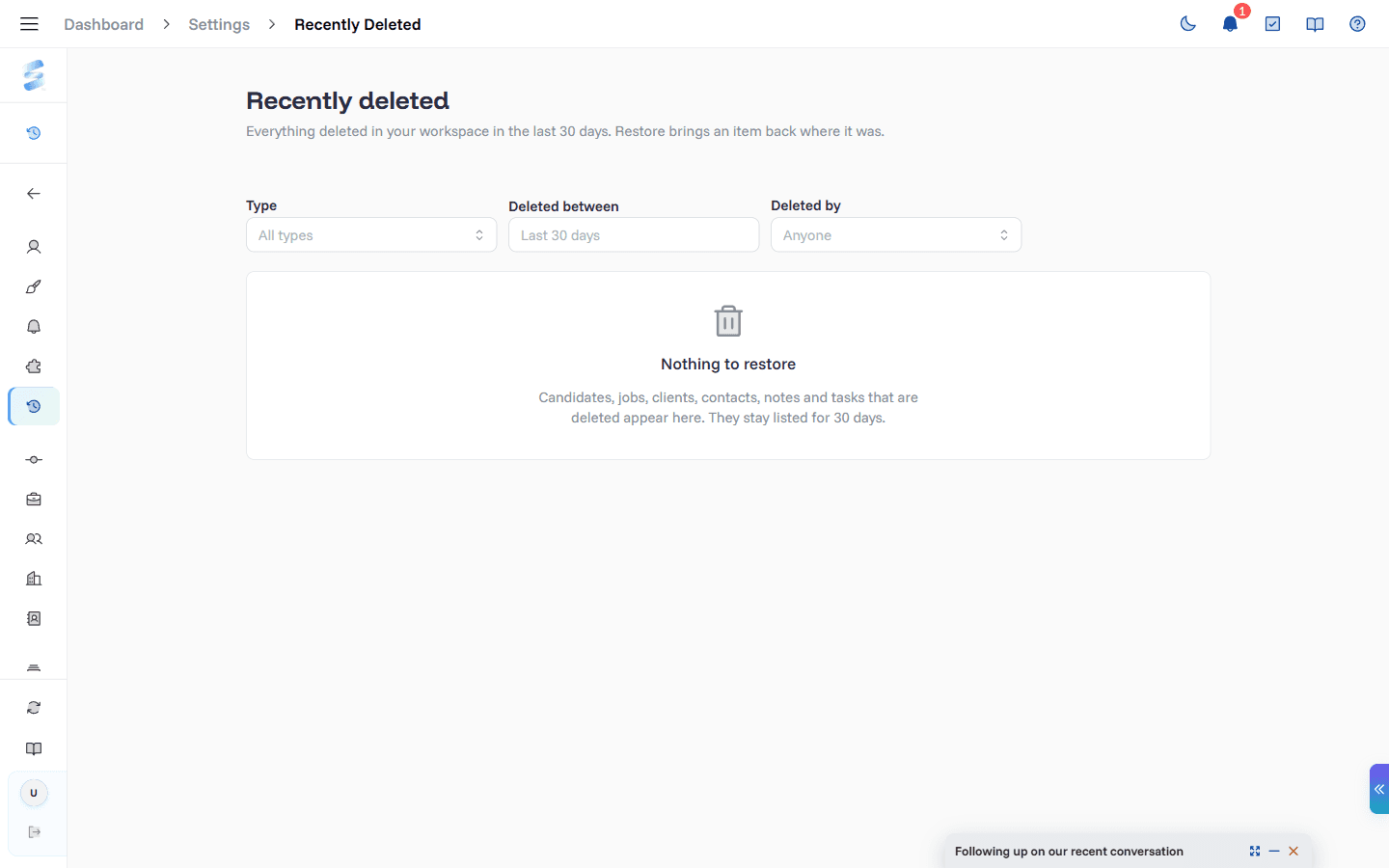
Each row shows the item, when it was deleted and by whom. If nothing has been deleted, you see Nothing to restore.
Find a record#
Use the filters at the top:
- Type: Candidates, Jobs, Clients, Contacts, Notes or Tasks.
- Deleted between: a date range inside the last 30 days.
- Deleted by: a teammate (admins only).
Restore a record#
- Click Restore on the item's row.
- Read the confirmation window, for example Restore job?. It lists what comes back, including anything deleted along with it. For example, restoring a job also brings back its applications, and restoring a client brings back its contacts.
- Click Restore.
The item goes back where it was and leaves the list.
When Restore is greyed out#
Sometimes an item cannot come back yet. The row tells you why, for example:
- Restore its client first.
- Restore its contact first.
- Its contact now belongs to another client.
- Another record already uses this LinkedIn profile.
- An open task of this kind already exists.
Fix the cause, then try again.
Know when records disappear for good#
Items stay on this list for 30 days after they were deleted. After that they no longer appear here and cannot be restored from this page.