AI usage limits and plans
Understand how much AI your plan includes and where to check what you have used.
Every Seekr plan includes a monthly AI allowance that your whole organisation shares. This page explains what counts towards it, where to see how much is left, and what to do when you need more.
Before you start#
The full usage page is under Settings → Billings, which only admins can open. Everyone else sees their organisation's allowance on the AI screens they use.
Find your AI usage#
Admins:
- Open Settings.
- Under Admin, click Billings.
- Find the AI usage this month card.
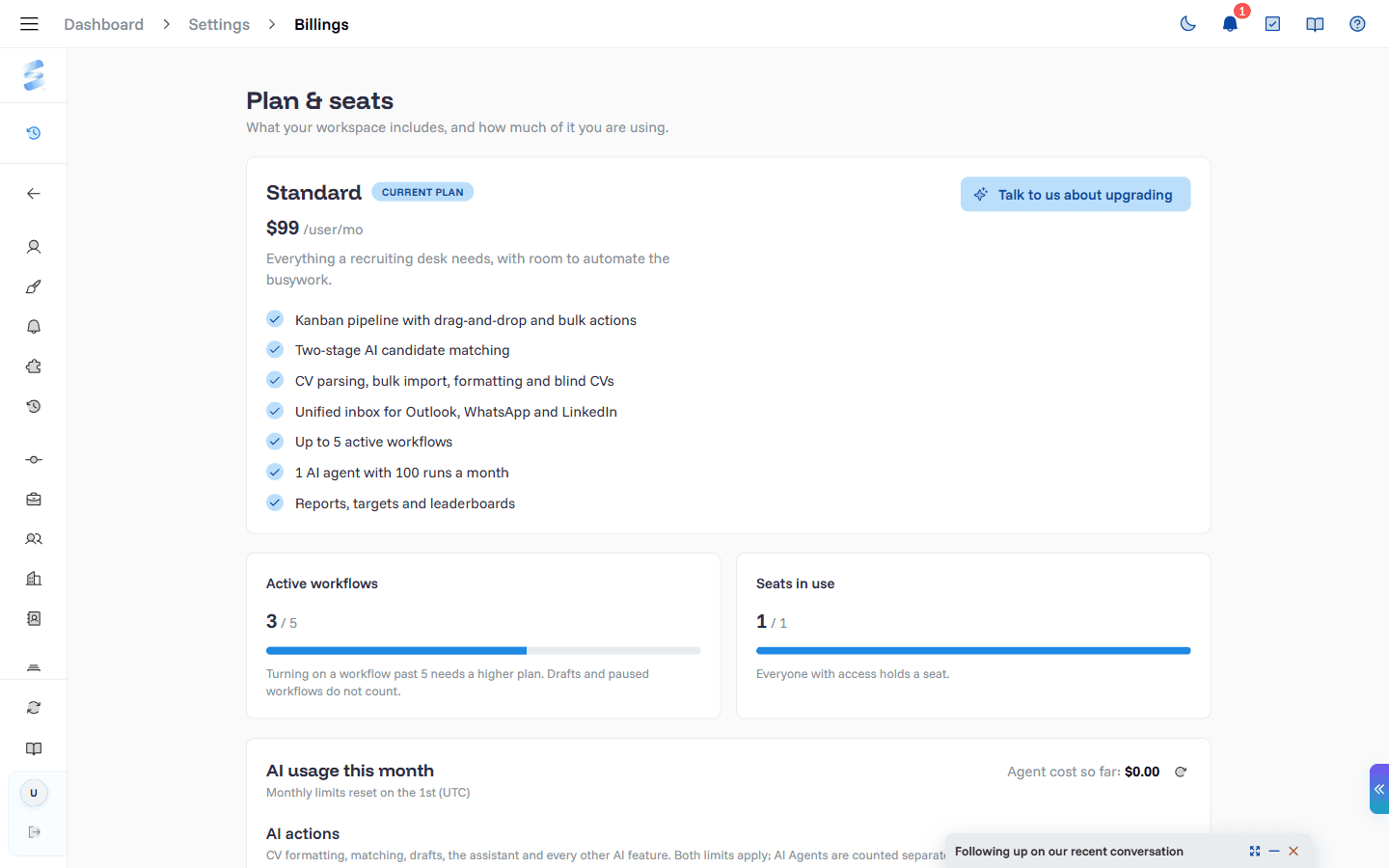
The card has two parts:
- AI actions shows Tokens this month and Tokens this week, each against its limit.
- AI scouts shows Scout runs, Scout tokens and Scout web searches for the month.
Click Refresh usage to update the numbers.
Everyone: the AI Assistant shows an AI allowance gauge next to the message box. Click it to see AI this month and AI this week. Some other AI screens, such as adding a candidate from a CV, show the same meters at the top. When the allowance is used up, you see a message such as "Your organisation has used its AI allowance for this month."
Know what counts as usage#
- AI actions cover Seekr's AI features outside scouts, such as CV parsing and formatting, candidate matching, AI drafts, the AI Assistant, call scripts and dictation. Bigger jobs, such as matching many candidates or formatting long CVs, use more.
- AI scouts have their own monthly quota for runs, work and web searches. Scout runs do not count against your AI actions.
Two limits apply to AI actions:
- The monthly limit resets on the 1st of each month (UTC).
- The weekly limit resets every Monday (UTC). It is set at a share of the monthly allowance and stops one busy week from using the whole month. The card shows the date and time of the next reset.
Compare plans#
| Standard | Premium | Enterprise | |
|---|---|---|---|
| Monthly AI allowance | Included | Larger | Largest |
| AI scouts | 2 scouts, 100 runs a month | 10 scouts, 600 runs a month | 20 scouts, 1,200 runs a month |
| Active workflows | Up to 5 | Unlimited | Unlimited |
See Billing and plans for everything else each plan includes.
Ask for more capacity#
If your organisation regularly reaches its limits:
- Open Settings → Billings (admins only).
- Click Talk to us about upgrading.